

How to Improve AirPods Sound Quality on iPhone (Real Fixes That Actually Work)
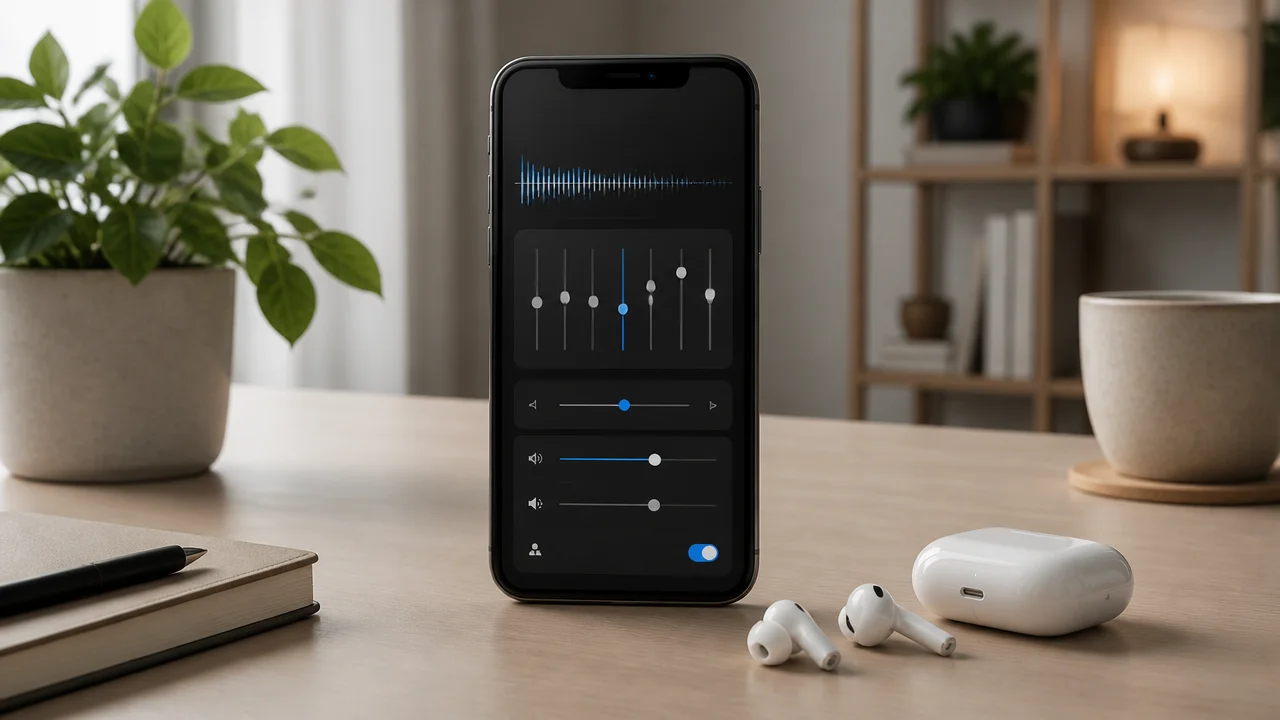
If your AirPods sound a bit flat, thin, or “muffled” on your iPhone, you’re not imagining it. The good news: you can usually make a big difference without buying anything new. The fastest way to airpods sound quality improve is hidden in iOS Accessibility settings, and once you set it correctly, vocals get clearer, bass feels tighter, and the whole sound becomes more “alive”.
Below are the exact iPhone settings and app tweaks I use when someone asks for better sound AirPods—plus a quick checklist for when it’s not a settings problem at all.
Quick Answer / Summary (Best Settings for Most People)
To improve AirPods sound quality on iPhone, go to Settings > Accessibility > Audio & Visual > Headphone Accommodations. Turn it on, choose Balanced Tone (or Vocal Range), and set the strength to Slight. Then disable Reduced Loud Audio in Settings > Sounds & Haptics > Headphone Safety to restore full volume and dynamics.
Why AirPods Can Sound “Flat” on iPhone (Even When They’re Genuine)
AirPods are tuned to be safe, smooth, and consistent across many ears—so the default sound can feel a little “polite”. Many listeners describe it as:
- Vocals not popping (especially in podcasts, reels, and YouTube)
- Bass lacking punch unless the track is already bass-heavy
- Treble feeling sharp on some songs, yet overall sound still feels dull
- Lower volume and weaker dynamics because of safety limits like Reduced Loud Audio
In forum-style discussions and real-world feedback, a large chunk of users say AirPods can sound “flat or muffled” out of the box. That’s why the iPhone’s built-in tuning tools matter more than most people realize.
The “Magic Fix”: Turn On Headphone Accommodations (Do This First)
If you only try one thing, make it this. Headphone Accommodations is an iOS feature that can reshape tone and gently amplify details—often transforming AirPods from “okay” to “wow” in minutes.
Step-by-step: Headphone Accommodations path (iPhone)
- Open Settings
- Tap Accessibility
- Tap Audio & Visual
- Tap Headphone Accommodations
- Turn Headphone Accommodations On
Best setting to start with (most people)
- Tone: Start with Balanced Tone
- Strength: Choose Slight
Balanced Tone + Slight usually adds clarity and body without making things harsh. If you mainly care about dialogue (calls, podcasts, lectures), switch to Vocal Range with Slight.
Use “Custom Audio Setup” for a personalised result
Inside Headphone Accommodations, run Custom Audio Setup. It plays a short guided test and suggests a tuning based on what you actually hear. This is one of the safest ways to improve sound because it’s built into iOS and doesn’t require third-party apps.
What changes to expect (real-world)
- Vocals come forward (less buried under music)
- Bass feels more controlled and present (not necessarily louder, but tighter)
- Clarity improves at lower volumes (important for commuting or office listening)
Before You EQ Anything: Turn Off Music EQ First (So You Can Hear the Truth)
Many people stack multiple sound “enhancers” and end up with messy audio. Before you do any EQ testing, switch off the iPhone’s Music EQ so you’re not fighting hidden presets.
Turn off Apple Music EQ (current iOS path)
- Go to Settings
- Tap Apps
- Tap Music
- Tap EQ
- Select Off
Now set up Headphone Accommodations first. After that, if you still want more bass or sparkle, you can add EQ in a controlled way.
Fix Low Volume and “Muffled” Sound: Disable Reduced Loud Audio
If your AirPods volume feels capped or the music lacks punch, check this. iOS can limit loud peaks for hearing safety, and it can reduce dynamics by as much as ~15 dB in some cases—meaning the track never “opens up”.
Turn off Reduced Loud Audio
- Go to Settings
- Tap Sounds & Haptics
- Tap Headphone Safety
- Turn Reduced Loud Audio Off
Important: Turning it off can make things louder. Be smart with volume—especially if you’re using ANC and listening for long sessions.
AirPods Audio Settings iPhone: Spatial Audio (Use “Fixed” for Music)
Spatial Audio can feel gimmicky if it’s set wrong. For music, the best setting for many listeners is Fixed rather than Dynamic, because it widens the soundstage without constantly moving the audio image when you turn your head.
How to set Spatial Audio to Fixed
- Open Control Center while your AirPods are connected
- Press and hold the volume slider
- Tap Spatial Audio
- Select Fixed (test with a song you know well)
When it works, you’ll notice a fuller, more immersive presentation—especially on modern mixes (electronic, hip-hop, cinematic pop).
EQ That Actually Helps (Apple Music vs Spotify) Without Ruining Clarity
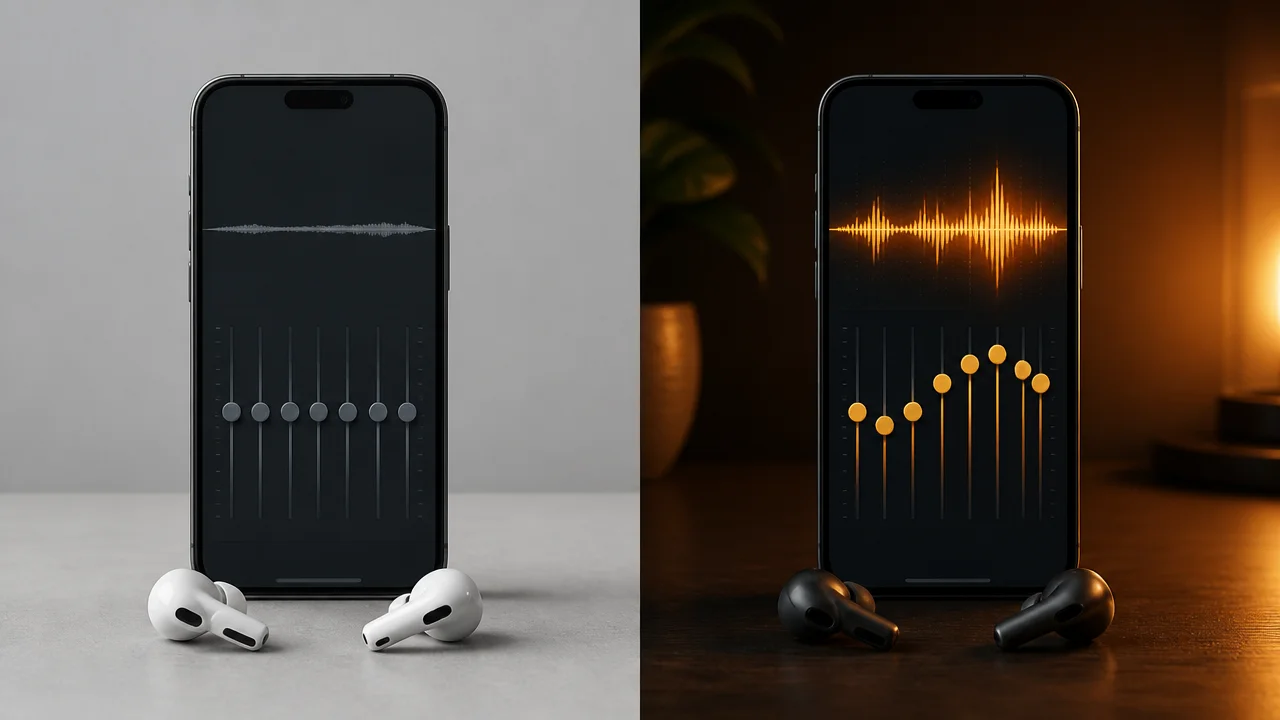
EQ is powerful, but it’s also the quickest way to make sound muddy if you overdo bass or boost everything at once. Keep it simple: one change at a time, and don’t stack multiple EQs across apps.
Apple Music EQ: best presets for more bass
Apple Music EQ is preset-based (not a custom curve). After you’ve done Headphone Accommodations, try these if you want more impact:
- Hip-Hop: Usually the easiest “more bass” option without killing vocals
- Electronic: Adds excitement and low-end energy (can be bright on some tracks)
- Rock: Often makes mids shouty; use only if you like aggressive guitars
If your goal is natural balance, leave Apple Music EQ Off and rely on Headphone Accommodations instead.
Spotify EQ: best approach for controlled bass
If you want a more precise “apple earbuds sound fix”, Spotify’s EQ is usually better because you can adjust bass without boosting everything else.
- Open Spotify Settings > Playback > Equalizer
- Try a gentle bass lift: raise the lowest bands slightly (think: small bumps, not a mountain)
- If vocals get muddy, reduce the lower-mid band a little instead of adding more treble
Many listeners report that a modest low-end boost (around the equivalent of +4 dB) can feel like a big upgrade in perceived bass depth—without needing new earbuds.
Transparency Mode Hiss: How to Reduce It (Without Turning It Off)
Some people notice a faint hiss in Transparency (or feel like audio loses “black background” quietness). If you need Transparency for safety while commuting or in the office, you don’t have to live with the worst version of it.
Try Custom Transparency Mode (when available)
Go to Settings > Accessibility > Audio & Visual > Headphone Accommodations and look for options related to transparency customization. Tuning here can reduce hiss and improve clarity.
Practical tip
- For the cleanest music: use Off (no Transparency) when you can
- For commuting: use Transparency but reduce extra amplification if hiss increases
Quick Troubleshooting Checklist (When Settings Aren’t the Whole Problem)
If your AirPods still sound off after the main iPhone tuning, it’s often a physical or connection issue. Here’s the quick checklist that solves most “suddenly bad sound” cases:
- Clean the speaker grills: earwax or dust can reduce treble and make sound dull
- Check ear tip fit (AirPods Pro models): poor seal = weak bass
- Disable Bluetooth hopping: disconnect from iPad/Mac temporarily and test only on iPhone
- Restart iPhone: it sounds basic, but it fixes stuck audio routing bugs
- Update iOS: Apple tweaks audio features often; older builds can behave differently
Best Settings Combo for Different Use Cases (Copy These)
1) Best for music lovers (fuller sound without boominess)
- Headphone Accommodations: On
- Tone: Balanced Tone
- Strength: Slight
- Reduced Loud Audio: Off
- Spatial Audio: Fixed (test; keep if you like wider stage)
- Music EQ: Off (or Apple Music Hip-Hop if you want extra bass)
2) Best for calls, meetings, and podcasts (clear voices)
- Headphone Accommodations: On
- Tone: Vocal Range
- Strength: Slight (or Moderate if voices still feel recessed)
- Spatial Audio: Off for calls (keeps voice centered and natural)
3) Best for gym / bass motivation (without distortion)
- Headphone Accommodations: Balanced Tone + Slight
- Spotify EQ: gentle low-end lift; don’t max sliders
- Reduced Loud Audio: Off (then keep volume responsible)
Software Fix vs Upgrade: When Settings Are Enough (And When They Aren’t)
Most of the time, settings solve the problem. But if your AirPods are older, damaged, or your expectations are audiophile-level, it’s useful to know when it’s time to stop tweaking and consider a change.
| Option | What you get | Downsides | Best for |
|---|---|---|---|
| Headphone Accommodations (iOS) | Personalised tuning, clearer vocals, fuller tone; often the biggest improvement | Can introduce slight hiss if Transparency is heavily boosted | Anyone who wants a fast, free sound upgrade |
| Apple Music EQ presets | Quick genre-based bass/treble changes | No custom curve; presets can overdo certain frequencies | Apple Music users who want simple bass boost |
| Spotify EQ | More control; easy to add bass without ruining clarity | Too much bass can mask vocals; requires a bit of testing | People who want custom tuning and “thump” |
| Upgrade to AirPods Pro 2 | Stronger bass, excellent ANC, great overall balance; top Apple pick right now | Costs more than a settings fix; still not “full audiophile” tuning | Frequent listeners, commuters, office calls + ANC needs |
| Alternative earbuds (e.g., premium Sony models) | Deep customization, powerful bass, strong EQ apps | Less seamless with Apple ecosystem | Audiophiles who want maximum control |
Buyer Guidance / Decision Support: Should You Tweak or Buy New?
If you’re debating whether to keep tweaking or upgrade, use this simple decision rule:
Stick with settings if…
- Your AirPods sound “okay” but lack punch or clarity
- The issue is track-to-track (some songs good, some boring)
- Calls are fine, but music feels flat
- You’ve never tried Headphone Accommodations
Consider upgrade/replace if…
- One side is consistently quieter (could be hardware or clogged mesh)
- Bass is almost gone even with a good fit/seal (especially on Pro models)
- Sound distorts at moderate volume
- You want noticeably stronger ANC and richer low-end without EQ
Model-Specific Notes (AirPods Pro vs Non‑Pro)
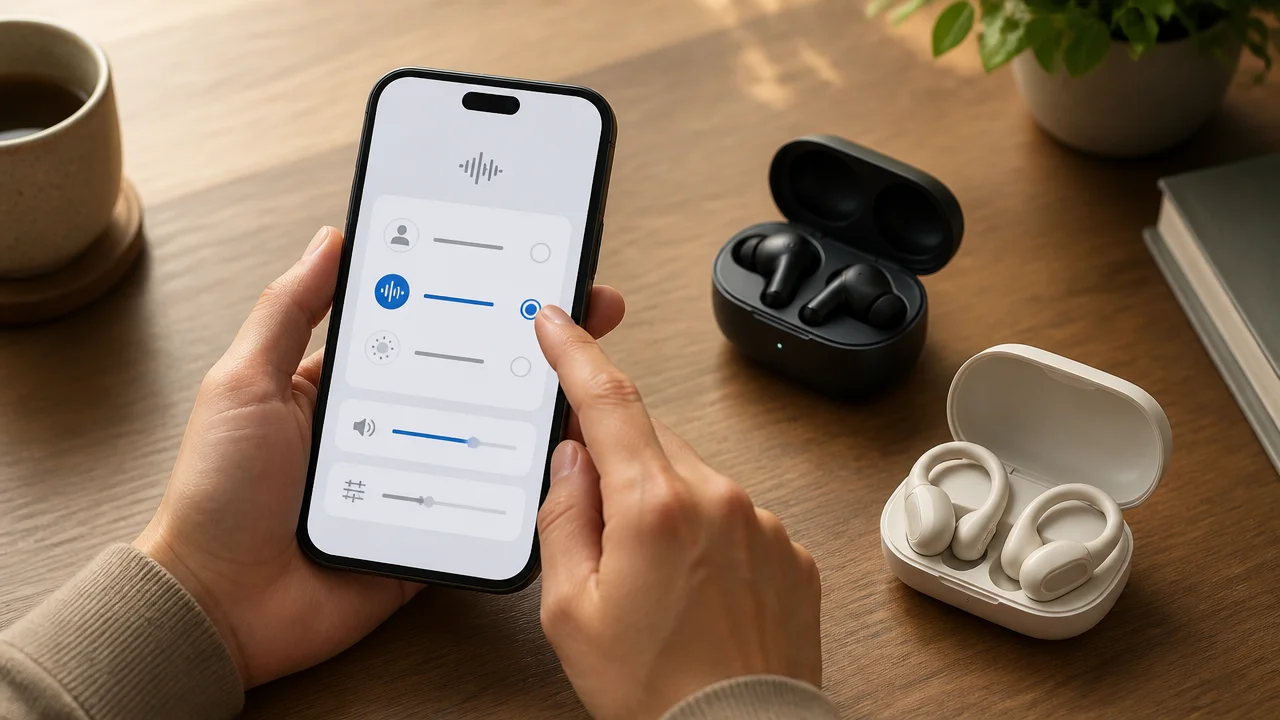
Apple keeps the settings path mostly the same, but what “sounds best” can vary by model and how you use them.
AirPods Pro (especially Pro 2)
- Balanced Tone often feels more natural and “bigger” for music
- Seal matters a lot—poor fit = weak bass no matter what EQ you use
- Transparency tweaks can help reduce hiss if you notice it
Non‑Pro AirPods (open fit)
- Vocal Range can improve clarity because open-fit bass is naturally lighter
- EQ bass boosts can help, but don’t expect sub-bass like an in-ear sealed design
Conversion Section: The Fastest 5-Minute Upgrade You Should Try Today
If you want the quickest, safest improvement, do this now:
- Turn Apple Music EQ Off (if you use Apple Music)
- Enable Headphone Accommodations and start with Balanced Tone + Slight
- Disable Reduced Loud Audio if your volume feels limited
If you try the above and still feel underwhelmed, that’s usually the moment an upgrade makes sense. For most Apple users who want a clear jump in audio quality (plus ANC), AirPods Pro 2 remains the easiest “buy once, enjoy daily” choice—just check the latest price and warranty availability in India before ordering.
FAQs
How do I make my AirPods sound better on iPhone in 2026?
Go to Settings > Accessibility > Audio & Visual > Headphone Accommodations. Turn it on, choose Balanced Tone or Vocal Range, and set strength to Slight. It’s the most effective built-in way to improve sound.
Should I turn EQ on or off in Apple Music for AirPods?
Turn EQ Off first so you can judge your baseline. If you want more bass, try Hip-Hop or Electronic. If it starts sounding harsh or muddy, go back to Off and rely on Headphone Accommodations instead.
Why is my AirPods volume so low or muffled?
Check Settings > Sounds & Haptics > Headphone Safety and turn Reduced Loud Audio off. It can limit loud peaks and make audio feel less dynamic.
Does Spatial Audio improve sound quality on AirPods?
It can. For music, Spatial Audio on Fixed often makes the stereo image wider and fuller. If vocals sound strange or distant, turn it off for that track or app.
Can I customize the EQ curve for my AirPods on iPhone?
Not system-wide with a full custom EQ. Apple Music offers presets, while apps like Spotify provide a more adjustable EQ. For custom bass tuning, Spotify’s equalizer is usually the easiest option.
How do I fix the hiss in Transparency Mode?
Try adjusting Headphone Accommodations and any available Custom Transparency options in Accessibility. If hiss remains distracting, use Transparency only when needed and keep it off for pure music listening.
Do different AirPods models need different settings?
The settings path is the same, but the best tone choice can differ. Non‑Pro (open-fit) models often benefit from Vocal Range for clarity, while Pro models often sound best with Balanced Tone for fuller music.
Is Headphone Accommodations only for people with hearing loss?
No. It’s an accessibility feature, but it’s also a practical tuning tool. Plenty of users enable it simply to make AirPods sound clearer, more balanced, and more engaging.
Conclusion
If you’re trying to airpods sound quality improve on iPhone, start with Headphone Accommodations, then remove volume limits like Reduced Loud Audio, and only then add EQ (carefully) in your music app. In most cases, these tweaks are enough to turn “flat” AirPods into something you actually enjoy again.
If you’ve done the settings and the sound still feels dull, distorted, or inconsistent between left and right, treat it as a hardware/fit/cleaning issue—or consider upgrading to a model that better matches your listening style. When you’re ready, pick one change at a time, test with a song you know well, and keep the setting that makes you forget you were “tuning” in the first place.