

AirPods Battery Draining Fast? Here’s the AirPods Battery Drain Fix That Actually Works
You put your AirPods back in the case, take them out later… and the battery is somehow worse than before. Or you start a call and one bud dies first. If you’re searching for an airpods battery drain fix, you’re not alone—this is one of the most common (and most confusing) AirPods complaints because it can look like “battery is dead” when it’s really a charging/contact or pairing bug.
Below is a practical, step-by-step troubleshooting flow used by real users to resolve airpods battery issue symptoms—plus a clear “repair vs replace” decision if the battery is genuinely worn out.
Quick Answer (Do This First)
For most people, the best airpods battery drain fix is: clean the charging contacts, then do a factory reset (hold the case button 15–20 seconds until amber then white), and finally run a battery recalibration cycle (drain to 0%, rest 2 hours, then charge to 100% uninterrupted). If your AirPods drain in 2 minutes, the battery is likely physically degraded and you’ll need a replacement solution.
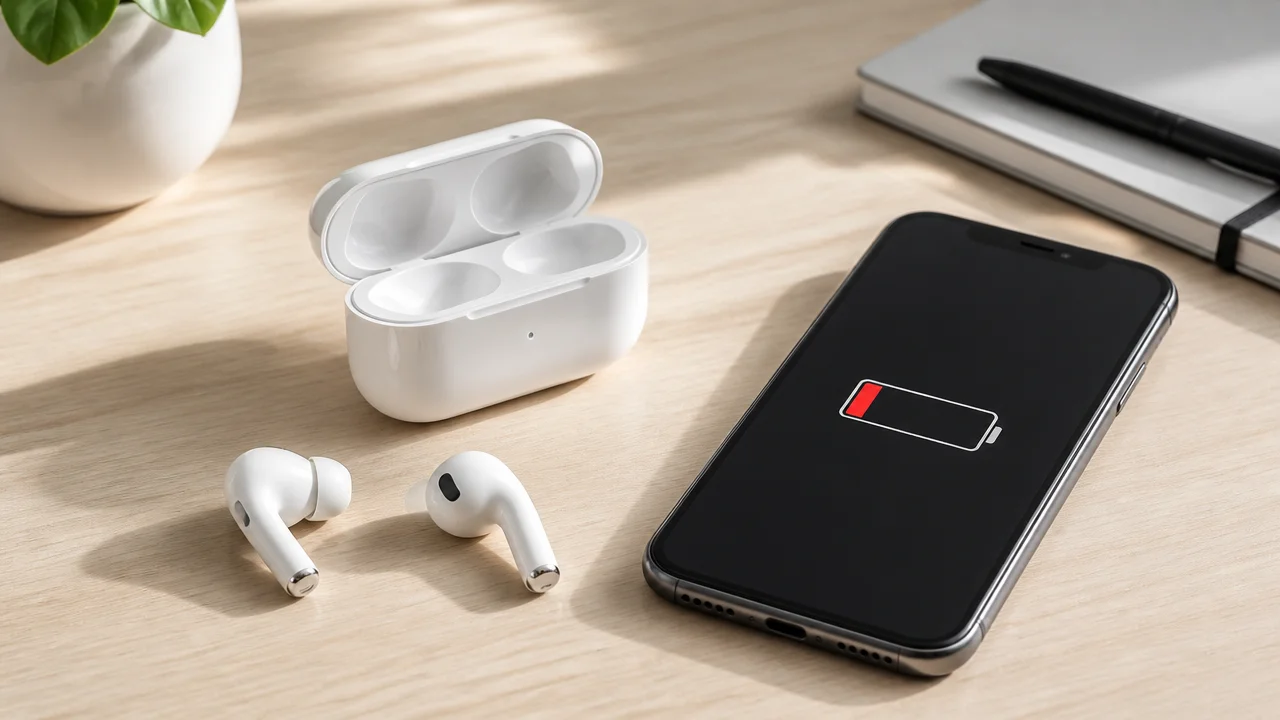
Step 1: Identify What’s Draining — Buds, Case, or “Not Actually Charging”
Before you reset anything, figure out which part is failing. This saves time and helps you decide whether you need accessories (cable/case) or a full replacement.
A quick 60-second diagnosis
- One bud dies faster: often a charging contact issue, ear-detection wakeups, or a bud battery that has aged faster than the other.
- Both buds drain fast but case seems fine: usually a pairing/firmware glitch or overall battery wear.
- Case battery drops overnight: likely a case drain issue (sometimes related to background features like Find My), bad cable/adapter, or a worn case battery.
- Battery % looks “stuck” or jumps: common after iOS updates; re-pairing + recalibration usually helps.
Watch for the “fake drain” pattern
Many airpods charging problems look like drain but are actually non-charging. If the AirPods aren’t making solid contact inside the case, they won’t charge properly—so you start your next session at 20–40% and assume it drained while sitting.
Step 2: Fix AirPods Charging Problems by Cleaning the Contacts (Most Underrated Fix)
If there’s lint, pocket dust, or earwax on the metal contacts, your AirPods may not charge at all—or charge inconsistently. This is one of the most common reasons people think they have a battery problem.
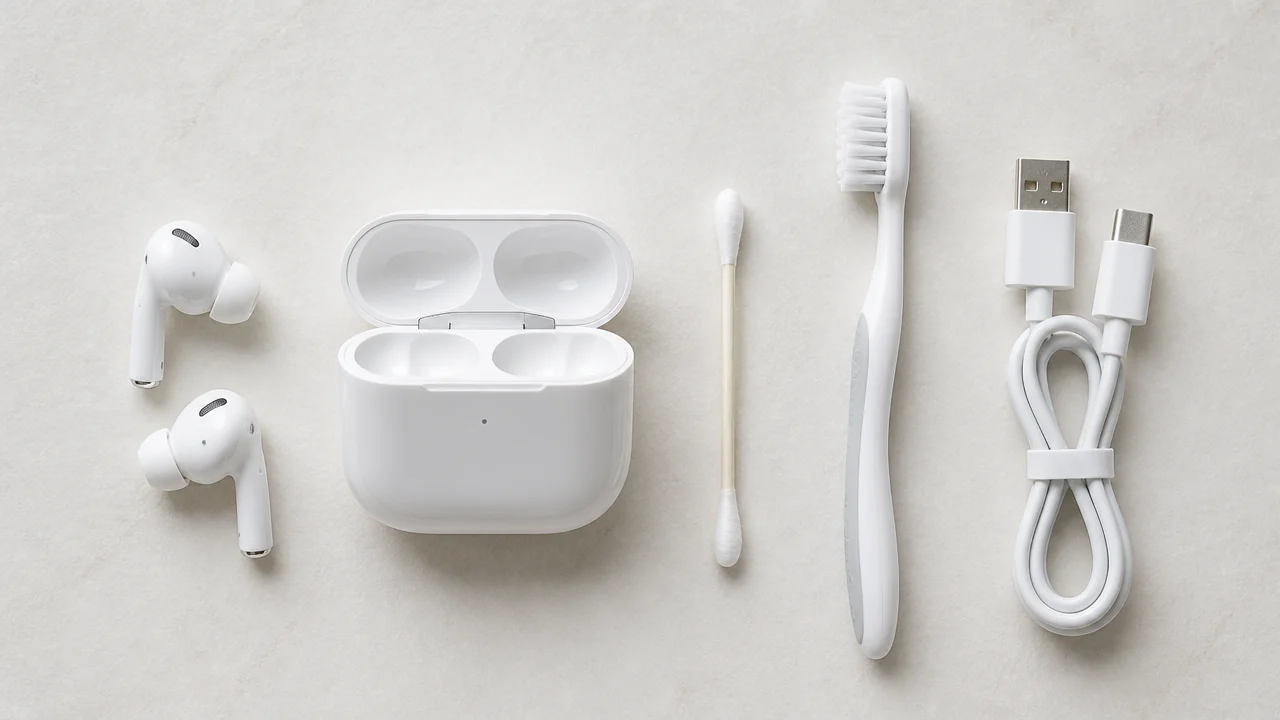
What to use (safe and effective)
- Dry cotton swab (Q-tip) for light debris
- Soft toothbrush for stubborn dust in corners
- Isopropyl alcohol (a tiny amount on the swab) for sticky residue—do not pour liquid into the case
Where to clean (don’t miss these spots)
- The metal ring/contacts on each AirPod stem
- The two contact points inside each case bay
- The case lid area (dust can prevent proper seating)
- The charging port (lint in the port can cause unstable case charging)
After cleaning, put the AirPods in the case and leave the lid closed for at least 30 seconds. Then open the lid near your iPhone to check if charging status appears correctly.
Step 3: Use a Reliable Cable/Adapter (Third-Party Power Can Trigger Weird Case Behavior)
Unstable power delivery can cause slow charging, heat, or partial charging—again mimicking drain. If you’re troubleshooting, keep it simple for 2–3 days:
- Use an Apple-certified charging cable (or a known-good certified cable).
- Try a different wall adapter (some cheap adapters fluctuate).
- Charge the case for at least 15 minutes even if it looks stuck.
If your case only charges when you wiggle the cable, the issue is likely the port (lint/damage) or the cable—not the AirPods battery.
Step 4: The #1 AirPods Battery Drain Fix — Factory Reset + Re-Pair
Software sync bugs are incredibly common, especially after major iOS updates. A clean reset forces the iPhone and AirPods to rebuild the connection profile, which often fixes rapid drain, uneven battery, and random disconnects.
How to factory reset AirPods (the reliable method)
- Put both AirPods in the case and close the lid for 30 seconds.
- On iPhone: Bluetooth settings → tap the AirPods → Forget This Device.
- Open the case lid (AirPods still inside).
- Press and hold the setup button on the back of the case for 15–20 seconds.
- Release only after the light flashes amber/orange and then white.
- Bring the case near your iPhone and pair again.
Small but important tip
After re-pairing, use the AirPods normally for 10–15 minutes, then place them back in the case and verify both show charging. If one bud still refuses to charge, go back to cleaning and reseating (Step 2).
Step 5: Battery Recalibration (Deep Discharge Cycle) — When Percentages Look Wrong or Drain Feels “Instant”
If the battery percentage jumps (for example, 80% to 20% in minutes) or the AirPods die unexpectedly, a recalibration cycle can help. This is especially useful after firmware/iOS changes that make the battery reporting inaccurate.
Recalibration protocol (do it once, not weekly)
- Use the AirPods until they fully drain to 0% (they should turn off).
- Keep them out of the case for 2 hours (resting period).
- Put them in the case and charge to 100% uninterrupted (avoid opening/closing repeatedly).
Important warning (don’t overdo deep discharge)
Deep discharging repeatedly can stress older batteries. Do this only for troubleshooting (once or twice), not as a routine habit.
Step 6: iOS 18 / Firmware Glitches — Check Firmware and Stabilize the Connection
Major iOS updates can temporarily trigger drain-like behavior due to connection bugs. The fix is usually: update iOS, keep AirPods connected/charging long enough to update firmware, then reset and re-pair if needed.
How to check AirPods firmware version (quick method)
- Connect AirPods to iPhone
- Settings → General → About → scroll to your AirPods → check “Version”
If you recently updated your iPhone and the drain started the same day, prioritize Steps 4 and 5.
Step 7: Settings That Quietly Drain Power (And How to Fix AirPods Battery Life)
Some features are great—but they also keep the AirPods “awake” more often than you expect. If your AirPods lose charge while sitting on your desk, these are worth adjusting.
Disable Automatic Ear Detection (for testing)
Automatic Ear Detection can keep sensors active and sometimes mis-detect contact when the buds are in a bag or pocket. Disable it for 48 hours to see if the standby drain improves.
Enable Optimized Battery Charging
Optimized Battery Charging helps reduce long-term wear. It won’t magically fix a dead battery, but it can slow degradation and help stabilize charging patterns over time—useful if you plan to keep the AirPods for another year.
Reduce unnecessary device switching (if you use multiple devices)
If you constantly bounce between iPhone, iPad, and Mac, connection switching can create more wake cycles. For troubleshooting, pair primarily to one device for a day and see if drain improves.
When It’s Not a Bug: The “2-Minute Drain” Diagnosis (Dead Battery vs Fixable Issue)
Here’s the honest truth: AirPods batteries are tiny. After enough charge cycles (and heat exposure), they physically degrade. No software reset can restore a worn cell.
Signs the battery is physically degraded
- AirPods go from “full” to dead in 2–10 minutes
- They charge quickly to 100% but also drop quickly (classic worn-cell behavior)
- One bud always dies much earlier even after cleaning and reset
- Recalibration changes nothing
Signs it’s still fixable
- Battery drains mainly when idle (likely connection/ear detection/wake issue)
- Battery % is erratic after an iOS update (often recalibration fixes it)
- Charging is inconsistent (often dirt/contacts/cable/port)
Repair, Replace the Case, or Buy New? (Commercial Decision Support)
If you’ve done the full troubleshooting flow and the drain remains, it’s decision time. The smartest move depends on whether the case is the weak link or the buds are.
Quick comparison table
| Scenario | Most Likely Cause | Best Option | Effort | Cost Direction |
|---|---|---|---|---|
| AirPods drain in 2 minutes | Bud batteries physically worn | DIY battery replacement kit or buy new AirPods | High (DIY) / Low (new) | Low–High |
| Case drains overnight, buds are fine | Case battery wear or background drain | Replace charging case (same generation) | Low | Medium |
| One bud not charging properly | Dirty contacts or bud battery imbalance | Deep clean + reset; if unchanged, service/replace bud | Low–Medium | Medium |
| Battery % jumps after iOS update | Firmware/pairing reporting glitch | Reset + recalibration cycle | Medium | Low |
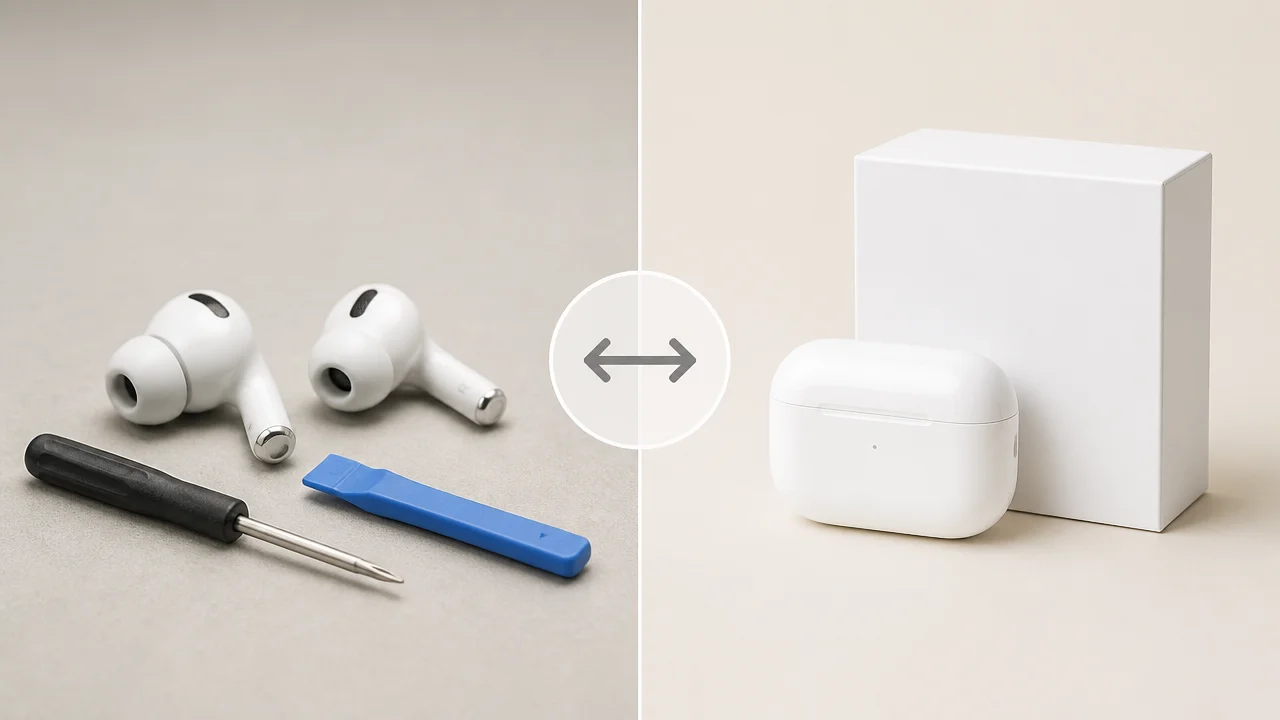
Option 1: DIY battery replacement kit (budget fix, but not beginner-friendly)
If your AirPods are 1–2 years old and you’re comfortable with tiny electronics, a DIY kit can be the cheapest way to restore usable battery life. Typical kits include small cells, adhesive, and tools.
- Pros: lowest cost; can restore near-original battery runtime
- Cons: high difficulty; risk of damaging the shell; usually voids any warranty
Option 2: Replace only the case (best when the case is the problem)
If your AirPods themselves hold charge normally during use, but the case battery collapses overnight or won’t reliably charge, a replacement case can be a clean solution. It’s simpler than DIY bud repair and keeps your current earbuds.
- Pros: fixes case-specific drain; easy setup
- Cons: still a notable spend; must match your AirPods generation
Option 3: Buy new AirPods (best when batteries are truly worn or you want an upgrade)
If your AirPods are 3+ years old and daily-used, the battery wear is usually not worth fighting. New AirPods also give you fresher battery health and warranty coverage.
- Pros: reliable battery; warranty; best overall experience
- Cons: highest cost
Buyer Guidance: What to Buy Based on Your Exact Problem
Use this section when you’re at the “Is it fixable or should I buy something?” stage.
If your AirPods drain in 2–10 minutes
- You’re likely dealing with dead battery cells, not a software bug.
- Best choice: buy new AirPods (lowest hassle) or a DIY battery kit (lowest cost, high effort).
- Avoid:
If the case drains overnight but buds are okay
- Best choice: replace the case (match the generation) and use a certified charging cable.
- Also test for background drain: keep AirPods in the case, charge to full, and leave the case unplugged overnight without opening the lid.
If one AirPod drains faster than the other
- First: deep clean contacts and re-seat carefully.
- Next: factory reset + recalibration.
- If the imbalance stays extreme, one bud’s battery is likely more worn—replacement (bud/service/new set) becomes the practical solution.
If the issue started after iOS 18 (or a big update)
- Best choice: reset + re-pair, then do one recalibration cycle.
- Keep AirPods connected and charging long enough for firmware to update quietly in the background.
Conversion Checkpoint: Don’t Waste Money Until You Try These 3 Things
If you want to fix the problem without immediately buying new AirPods, do this “3-step money saver” first:
- Clean contacts thoroughly (buds + case bays + port)
- Reset properly (15–20 seconds until amber then white)
- Recalibrate once (0% → rest 2 hours → 100% uninterrupted)
If the battery still drains in minutes, stop spending time on endless tweaks—your most cost-effective move is usually a replacement path: DIY battery kit (if you’re confident), replacement case (if the case is the culprit), or a new pair (if the buds are worn).
FAQs
Why do my AirPods battery drain in 2 minutes?
If your AirPods drop from a high percentage to dead in about 2 minutes, it usually means the internal battery cells are physically worn out. In that situation, resets won’t help much—battery replacement (DIY/service) or new AirPods is the realistic fix.
How do I reset AirPods to fix battery drain?
Put AirPods in the case, close the lid for 30 seconds, then on iPhone forget the device in Bluetooth settings. Open the lid and press the case setup button for 15–20 seconds until the light flashes amber then white. Pair again and test.
Can cleaning AirPods contacts fix charging issues?
Yes. Debris on the metal contacts can prevent charging and look like battery drain. Clean the AirPods stems and the case charging bays using a dry cotton swab; use a tiny bit of isopropyl alcohol only if needed.
Does iOS 18 cause AirPods battery drain?
It can. Some users see rapid drain after major iOS updates due to connection/firmware bugs. Resetting and re-pairing, then doing a recalibration cycle, usually stabilizes battery reporting and standby drain.
What if my AirPods case battery drains overnight?
That points to a case-specific issue: worn case battery, unstable charging, or background drain behavior. Try a certified cable/adapter, clean the port, reset the AirPods, and if the case still drops fast, consider replacing the case.
Should I buy a new case or new AirPods if the battery is bad?
If the case drains but the buds hold charge during use, a replacement case makes sense. If the buds themselves die in minutes, the bud batteries are likely worn—buying new AirPods (or a DIY battery kit) is the better fix.
How long should I charge AirPods if they won’t charge?
Charge the case for at least 15 minutes using a known-good cable and adapter before judging. If it still won’t charge, check for lint in the port and clean the contacts inside the case.
Will disabling Automatic Ear Detection improve battery life?
It can help in certain situations—especially if your AirPods stay “awake” in a pocket or bag. Disable it for a day or two as a test. If standby drain improves, keep it off when you don’t need it.
Conclusion
A reliable airpods battery drain fix is usually a mix of clean contacts, a proper factory reset, and a one-time recalibration cycle. If your AirPods drain in just a few minutes, be honest with the diagnosis: that’s typically battery wear, and the smarter move is choosing between a DIY battery replacement kit, a replacement case (if the case is the issue), or a full upgrade.
If you want the fastest path back to hassle-free listening, pick the option that matches your symptom—and don’t hesitate to replace the part that’s actually failing.